PDF Merger Guide: How to Combine PDF Files Online
Last Updated: July 2026 • 5 min read
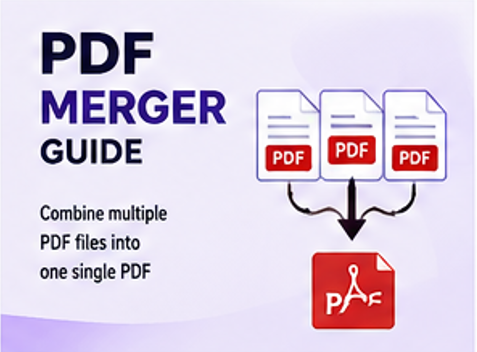
Learn how to combine multiple PDF files into a single document using an online PDF merger. This guide explains why you may want to merge PDFs, how the process works, and how to organize your documents before downloading the final file.
What Is a PDF Merger?
A PDF merger is a tool that combines two or more PDF files into a single document. Instead of managing several separate PDF files, you can combine them into one organized document that is easier to share, store, print, or upload.
PDF merging can be useful when you need to combine reports, invoices, assignments, applications, presentations, scanned documents, or other related PDF files.
Why Merge PDF Files?
Combining related PDF files can make document management simpler and reduce the need to send or store multiple files separately.
- Combine multiple PDF documents into one file.
- Share one document instead of several attachments.
- Keep related reports and projects organized.
- Prepare multiple documents for printing.
- Make document uploads easier to manage.
Merge PDF Files Online
Ready to combine your documents? Use ConvertNova's online PDF Merger to combine multiple PDF files into one document.
Merge PDF NowHow to Merge PDFs Online
Follow these steps to combine your PDF files:
- Open the ConvertNova PDF Merger .
- Select the PDF files you want to combine.
- Arrange the files in the order you want them to appear.
- Start the PDF merging process.
- Download the resulting PDF when processing is complete.
Benefits of Merging PDF Files
Better Document Organization
Combining related documents into one PDF can make files easier to organize and locate.
Easier Sharing
Instead of attaching several separate PDF files, you can share a single combined document.
Simpler Printing
A merged PDF can make it easier to manage a group of documents that need to be printed together.
Convenient File Uploads
When a service accepts one PDF file instead of multiple attachments, merging can simplify the upload process.
Who Uses PDF Merger Tools?
PDF merging can be useful for students, teachers, businesses, freelancers, office workers, researchers, and other users who regularly manage multiple documents.
Common examples include combining assignments, business reports, invoices, application documents, scanned pages, and project materials.
Tips for Better PDF Merging Results
- Arrange your PDF files in the correct order before merging.
- Check that you selected all required documents.
- Remove unnecessary pages before creating the final document when appropriate.
- Use a descriptive filename for the merged PDF.
- If the final PDF is too large, consider using a PDF Compressor .
Frequently Asked Questions
Conclusion
Merging PDFs is a convenient way to combine related documents into a single file for easier organization, sharing, printing, and uploading. With an online PDF merger, the process can be completed without manually combining individual pages.
If you need to combine multiple PDF documents, try the ConvertNova PDF Merger to create a single organized file.
Merge PDF Online