PDF Conversion & Editing
Learn how to merge, split, compress, rotate, crop, number and convert PDF documents for everyday use.
Explore PDF GuidesPractical guides for converting, compressing, resizing, editing, protecting and managing PDF, image and Office files online.
Learn what each file format is best for, how common conversion tasks work, what to check before processing a file, and how to choose the right ConvertNova tool for the job.
Choosing the right file format or conversion method can make a difference to quality, compatibility, file size and how easily a document can be shared. ConvertNova's guides explain common tasks in clear steps so you can understand the process before using a tool.
Learn how to merge, split, compress, rotate, crop, number and convert PDF documents for everyday use.
Explore PDF GuidesUnderstand image formats, resizing, compression and PDF conversion while balancing dimensions, quality and size.
Explore Image GuidesFind practical guidance for converting Word, Excel and PowerPoint documents into PDF for sharing and printing.
Explore Office GuidesLearn about PDF passwords, protection, unlocking and watermarks, including when these features are useful.
Explore Security GuidesJump directly to common file-processing tasks instead of browsing the entire guide collection.
Browse step-by-step tutorials, format comparisons and practical explanations for common file conversion and document tasks.
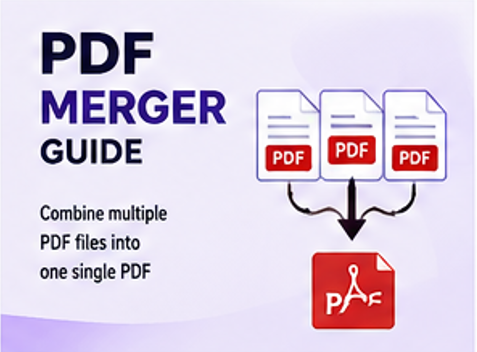
Learn how to combine multiple PDF files into one organized document and when merging is useful.
Read Guide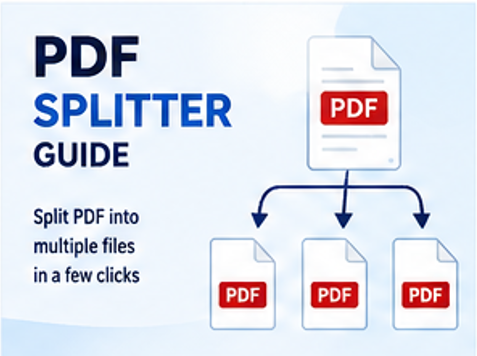
Learn how to extract selected pages or divide a PDF into separate documents for easier management.
Read Guide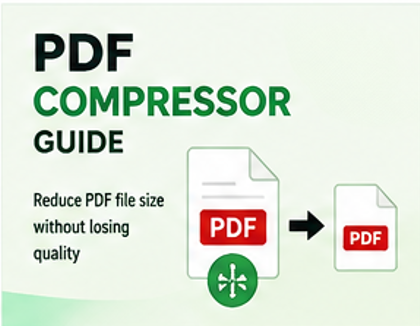
Reduce PDF file size for uploading, sharing and storage while considering readability and quality.
Read Guide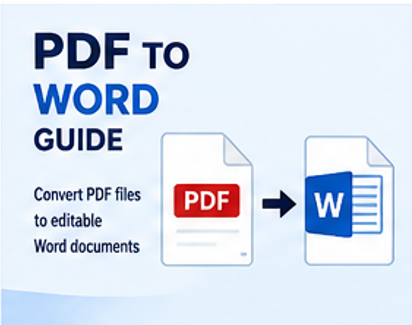
Understand how PDF documents can be converted into editable Word files and what can affect the result.
Read Guide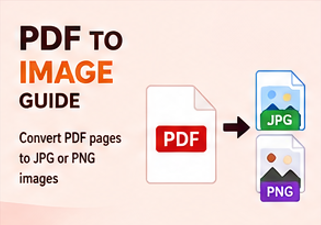
Learn how to turn PDF pages into JPG images when an image-based version is easier to share or use.
Read Guide
Learn the basics of converting PDF pages into image files and choosing an appropriate image format.
Read Guide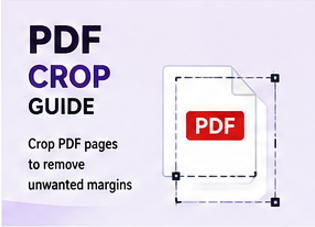
Learn when cropping a PDF is useful and how page boundaries can be adjusted for cleaner documents.
Read Guide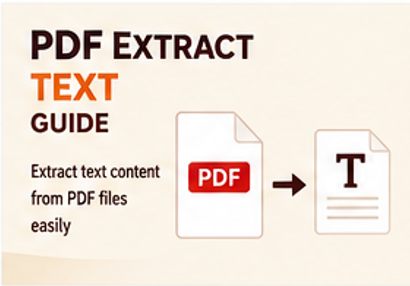
Understand common ways to extract selectable text from PDF documents for reuse and editing.
Read Guide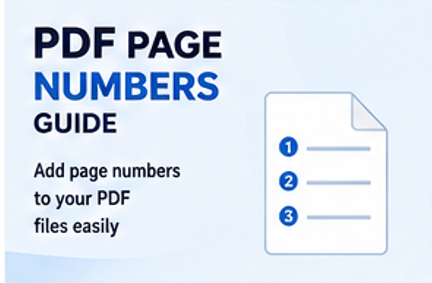
Learn why page numbering helps long documents and how to make PDF pages easier to reference.
Read Guide
Learn how to remove unwanted pages and prepare a cleaner PDF for sharing or archiving.
Read Guide
Fix incorrectly oriented pages and make a PDF easier to read on screen or on paper.
Read Guide
Learn the purpose of PDF protection and what to consider before securing a document.
Read Guide
Understand PDF restrictions and the situations in which removing protection may be appropriate.
Read Guide
Learn how watermarks can identify documents, communicate status or discourage unwanted reuse.
Read Guide
Learn how image dimensions, format and compression settings affect file size and visual quality.
Read Guide
Learn how changing image dimensions can help with websites, documents, forms and social media.
Read Guide
Compare JPG and PNG and learn when each format is more suitable for photos, graphics and transparency.
Read Guide
Learn when converting JPG or PNG images into a PDF is useful for documents, forms and sharing.
Read Guide
Learn how to prepare spreadsheets for PDF output when sharing, printing or preserving a layout.
Read Guide
Learn how to turn presentations into PDF documents for consistent sharing and convenient printing.
Read Guide
Learn why Word documents are commonly converted to PDF before sharing, submitting or printing.
Read GuideTry a different search term or choose another category.
The best tool depends on what you are trying to achieve. Start with the task rather than the file extension alone.
Compression can reduce the size of PDFs and images. Check the result after compression to make sure text, graphics and important details remain usable.
Browse PDF Tools · Browse Image ToolsConversion is useful when a file needs to work in another application, be easier to edit or be shared in a more widely supported format.
Explore All ToolsSecurity-related PDF tasks can help control access or identify a document. Always make sure you have permission to modify or remove document restrictions.
Explore Security Tools
Our guides explain file-processing tasks with privacy and document handling considerations in mind.

Clear explanations help you understand a file task before choosing the relevant online tool.

Access ConvertNova guides and tools from desktop, tablet and mobile devices.